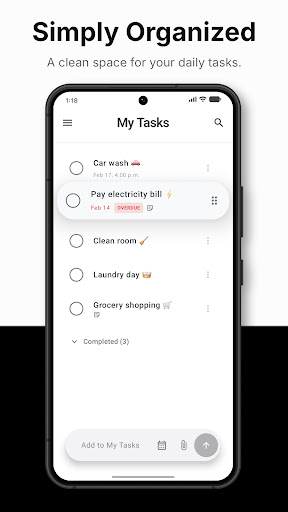
The simple checklist that keeps everything clean.
Every feature earns its place — nothing you have to configure before you can just add a task.
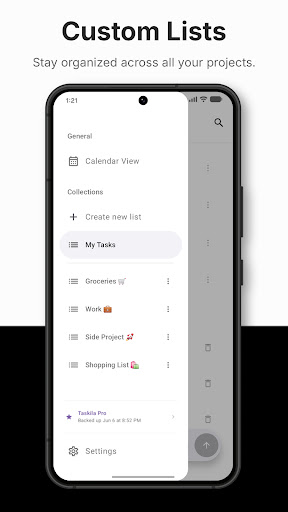
Multiple to-do lists
Your default My Tasks list is always there — add as many custom collections as you need, rename or delete anytime.
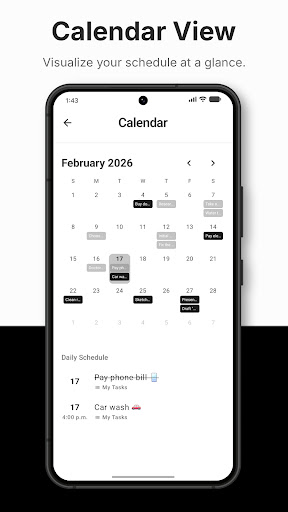
Calendar view & schedule
See every scheduled task at a glance in a monthly calendar. Tap a day to open your daily planner.
Due dates & smart reminders
Set a specific time or an all-day event, and get notified right when a task is due.
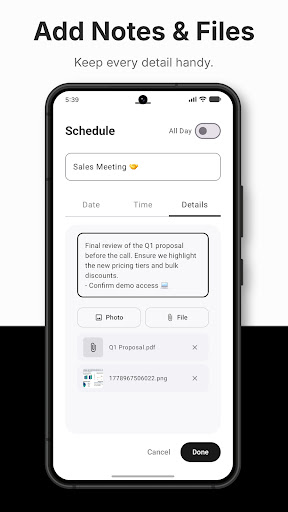
Notes & details
Attach notes, photos, and files to any task, with clean indicators showing what's attached at a glance.
Quick search
Instantly search across every task and list to find exactly what you're looking for.
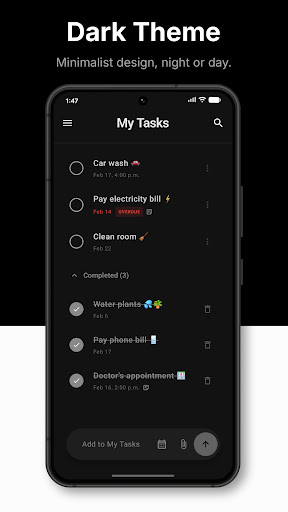
Dark & light mode
Choose Dark, Light, or System theme — Taskila matches your device, day or night.
Polished by default
Haptic feedback, smooth animations, and drag-and-drop reordering, in an interface that stays out of your way.
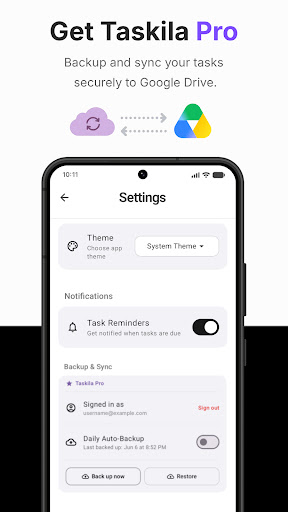
Get Taskila Pro
Back up and sync your tasks securely to Google Drive, so nothing gets lost if you switch devices.
- Secure backup to your own Google Drive
- Daily auto-backup, or back up on demand
- Restore your full task history anytime
Taskila is live on Google Play.
Free to download. Add your first task in seconds and build a productivity system that works for you.