Type
Fonts and sizes, headings, alignment, lists and links.
 Techsotope
Flowtope
 Document editor & PDF tools
Documents, in their element.
Write, lay out and export documents on your phone. Text wraps around the outline of your images as you move them, and a full PDF toolkit is built in.
The Architecture of Leaves
Botanical field notes
A leaf is a study in structure. Its outline is never arbitrary: every lobe follows a vein, and every vein carries water out to the edge and sugar back to the stem. Look closely and the shape explains itself. The broad surface catches light, the narrow tip sheds rain, and the curve between them is the shortest path the plant could afford to build. Text can behave the same way. When the words follow the outline of a picture instead of a box drawn around it, the page reads as one composition. Move the leaf and the paragraph reorganizes around it, line by line, the way water finds its way around a stone. Nothing is cut off and nothing is hidden. The words simply take the room that is left, and give it back when the picture moves on.
01 — Dynamic Flow
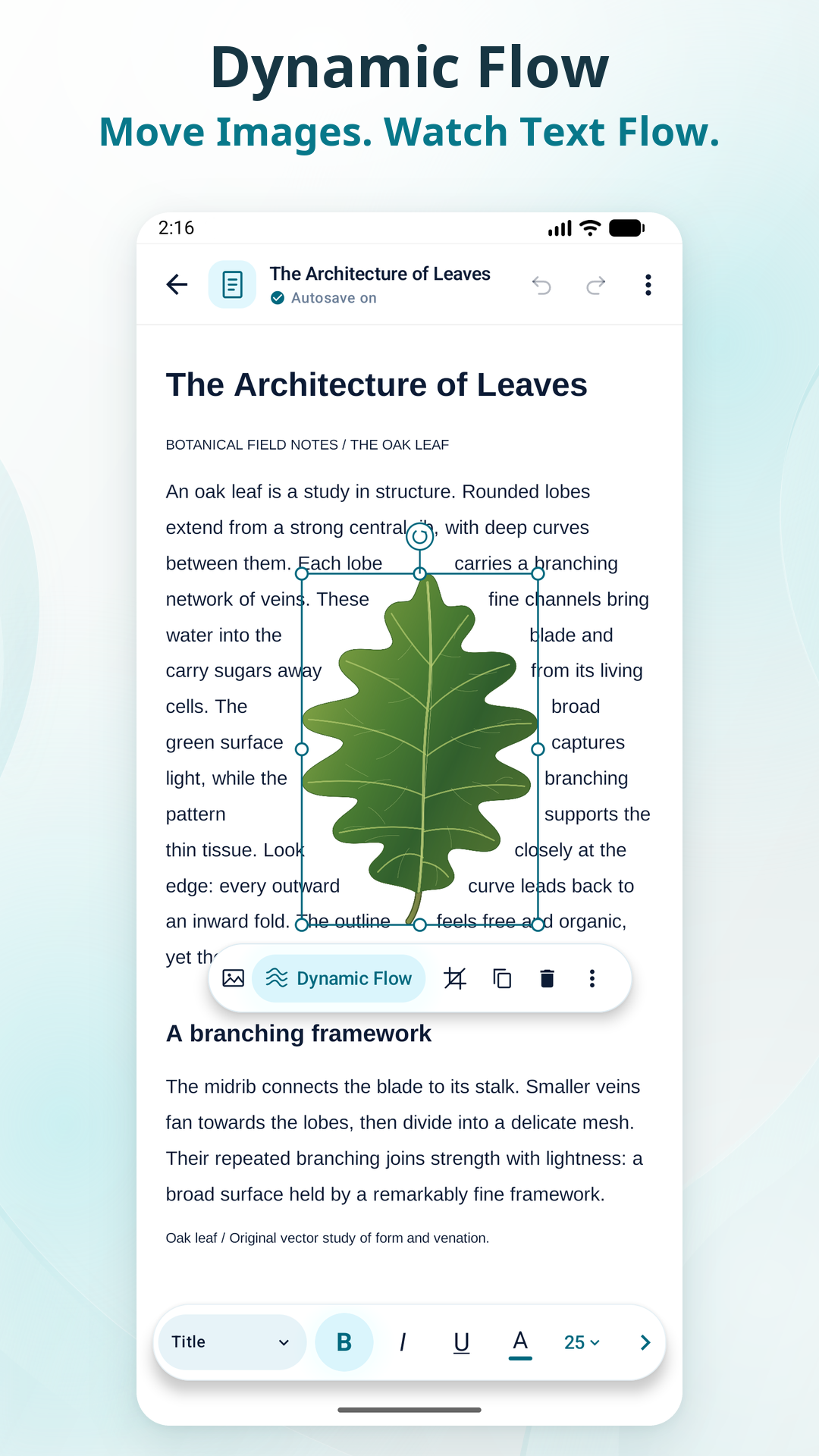
Most mobile editors wrap text around a rectangle, if they wrap it at all. Dynamic Flow wraps it around what is actually in the picture, and redoes the layout live while you drag.
The demo at the top of this page is a small imitation running in your browser. The app does this with your own images.
02 — The editor
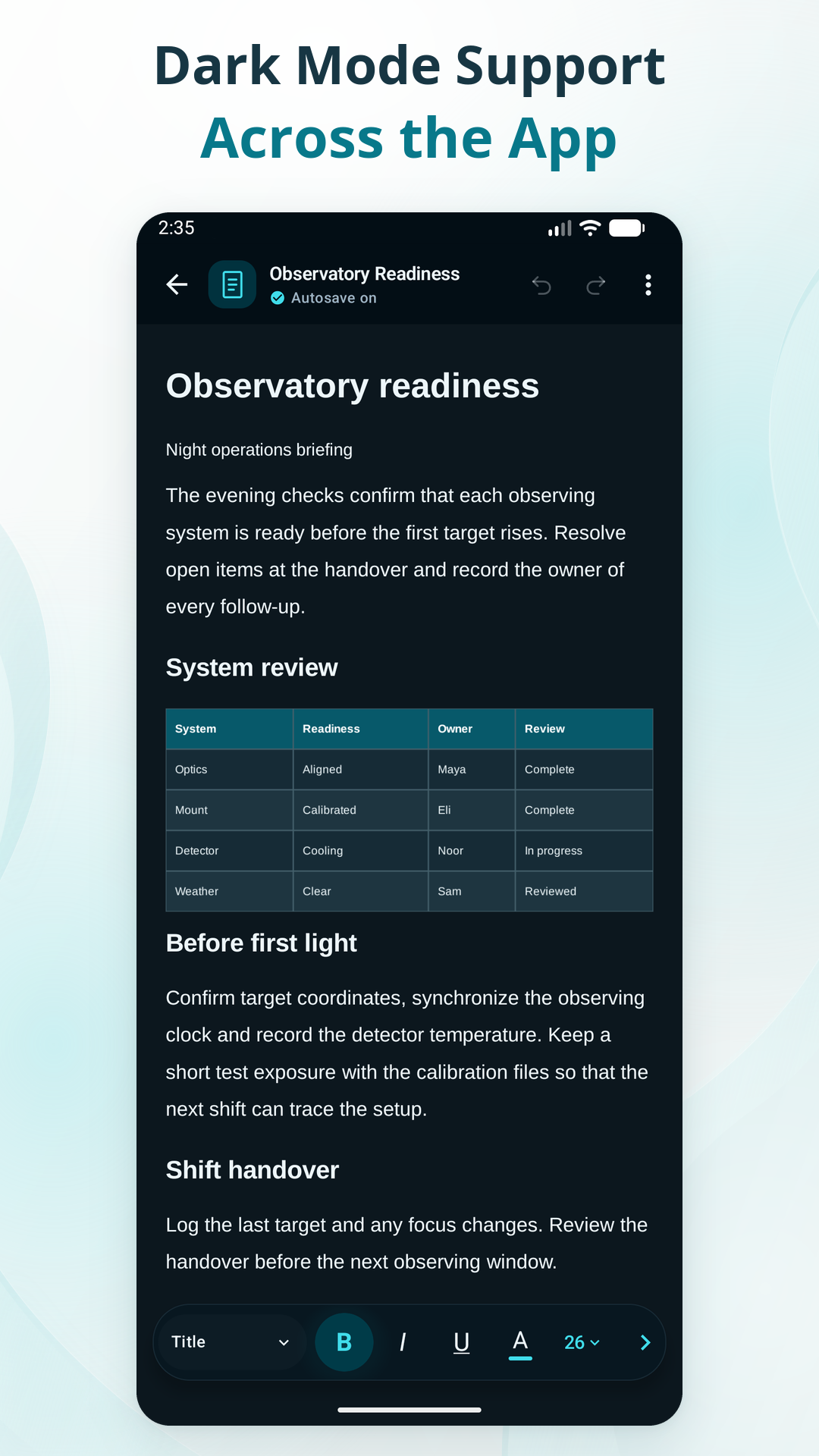
The formatting bar runs along the bottom, where your thumbs already are. Everything below is in the free app.
Fonts and sizes, headings, alignment, lists and links.
Rows, columns and cells you can edit by touch.
Place them, resize them, and wrap text around them.
Page setup and page breaks, with a print view to check the result.
Find and replace across the document, plus a running word count.
Both appearances cover the editor and every main screen.
Start from a template, or from a blank page.
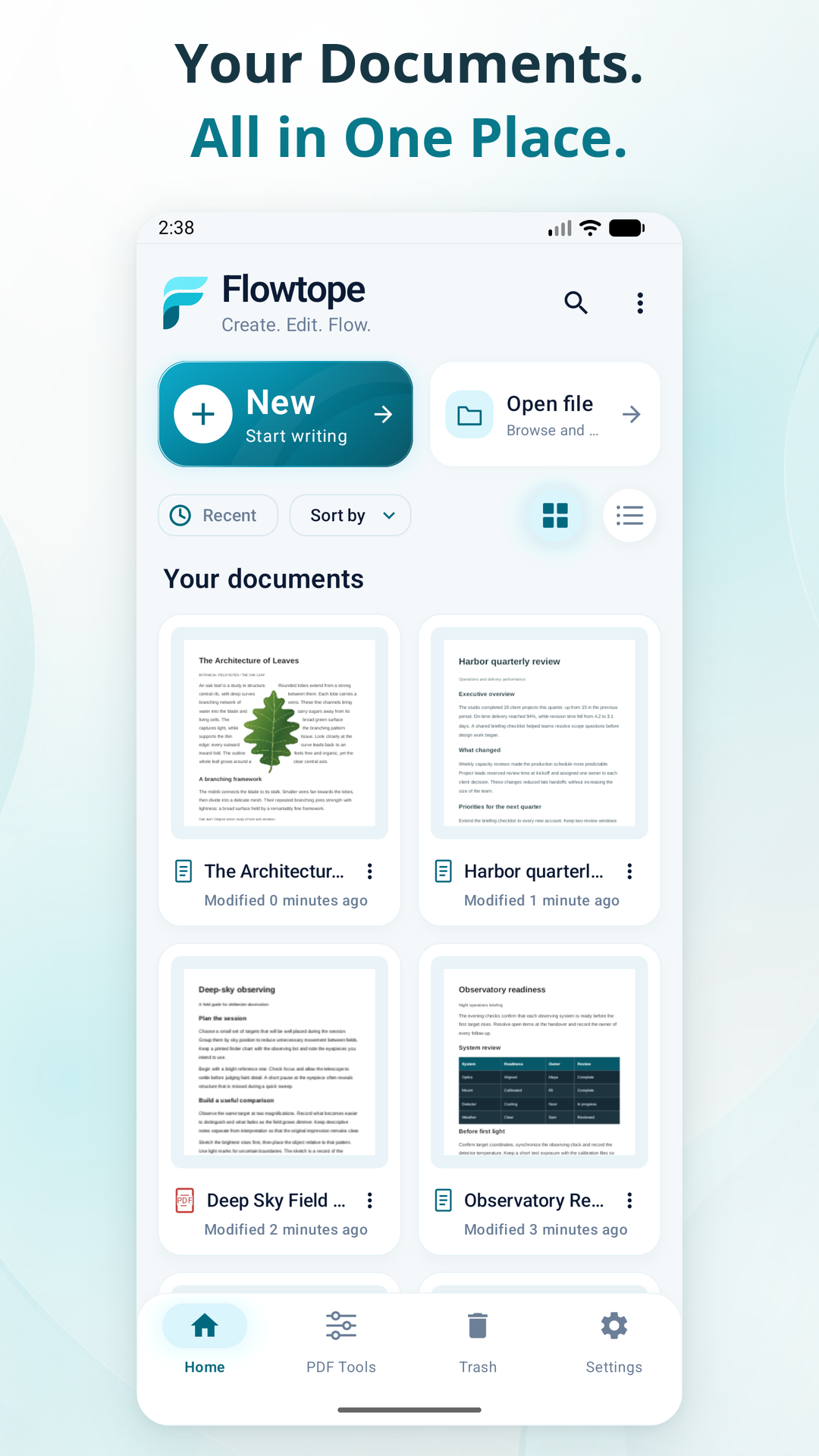
Previews of your documents, so you can pick up where you stopped.
.flowdocPDFDOCX
Projects stay fully editable in Flowtope’s own .flowdoc format. Export to PDF or DOCX when the work has to go somewhere else. How closely formatting carries over depends on the format and the document.
03 — PDF tools
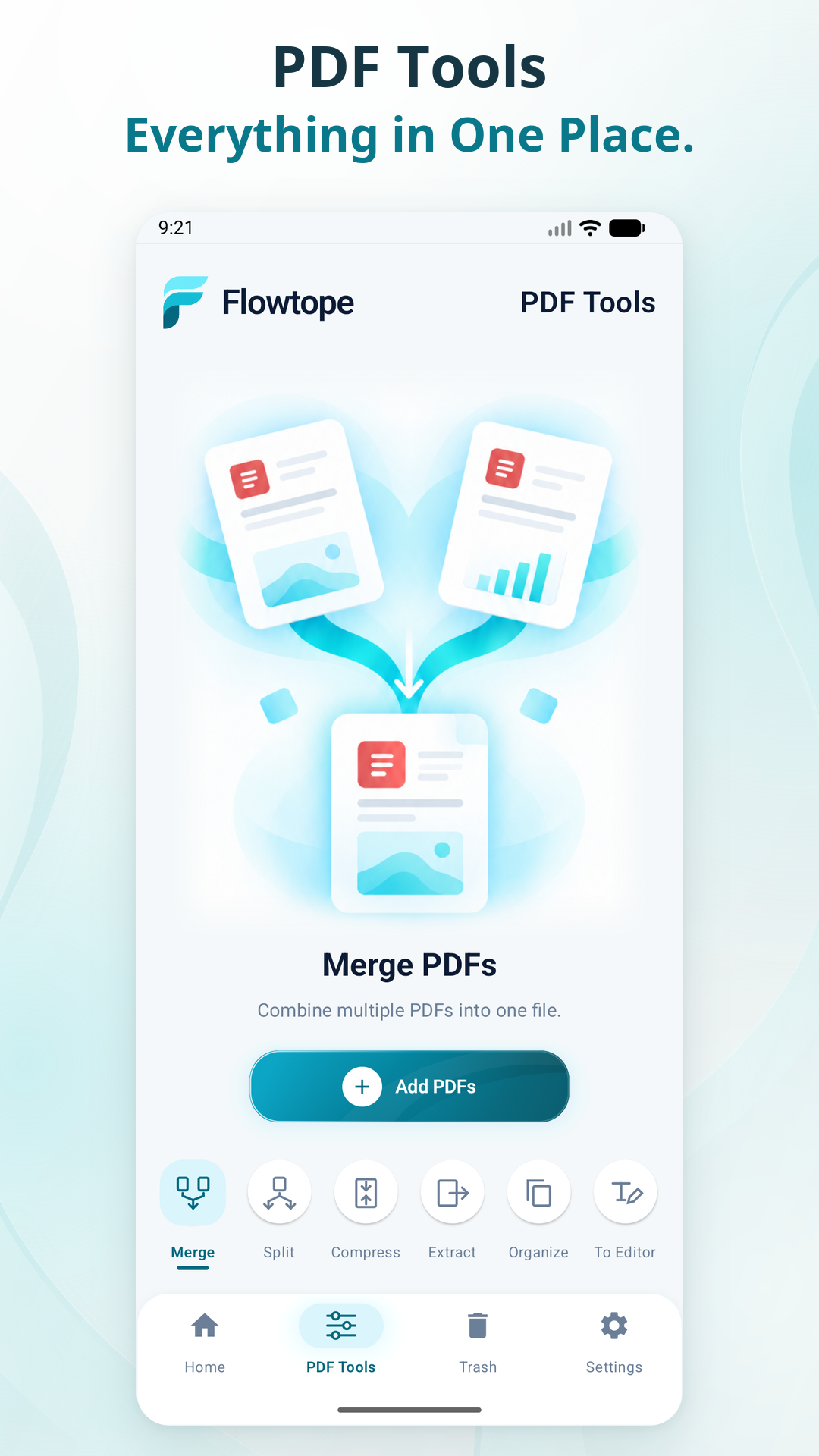
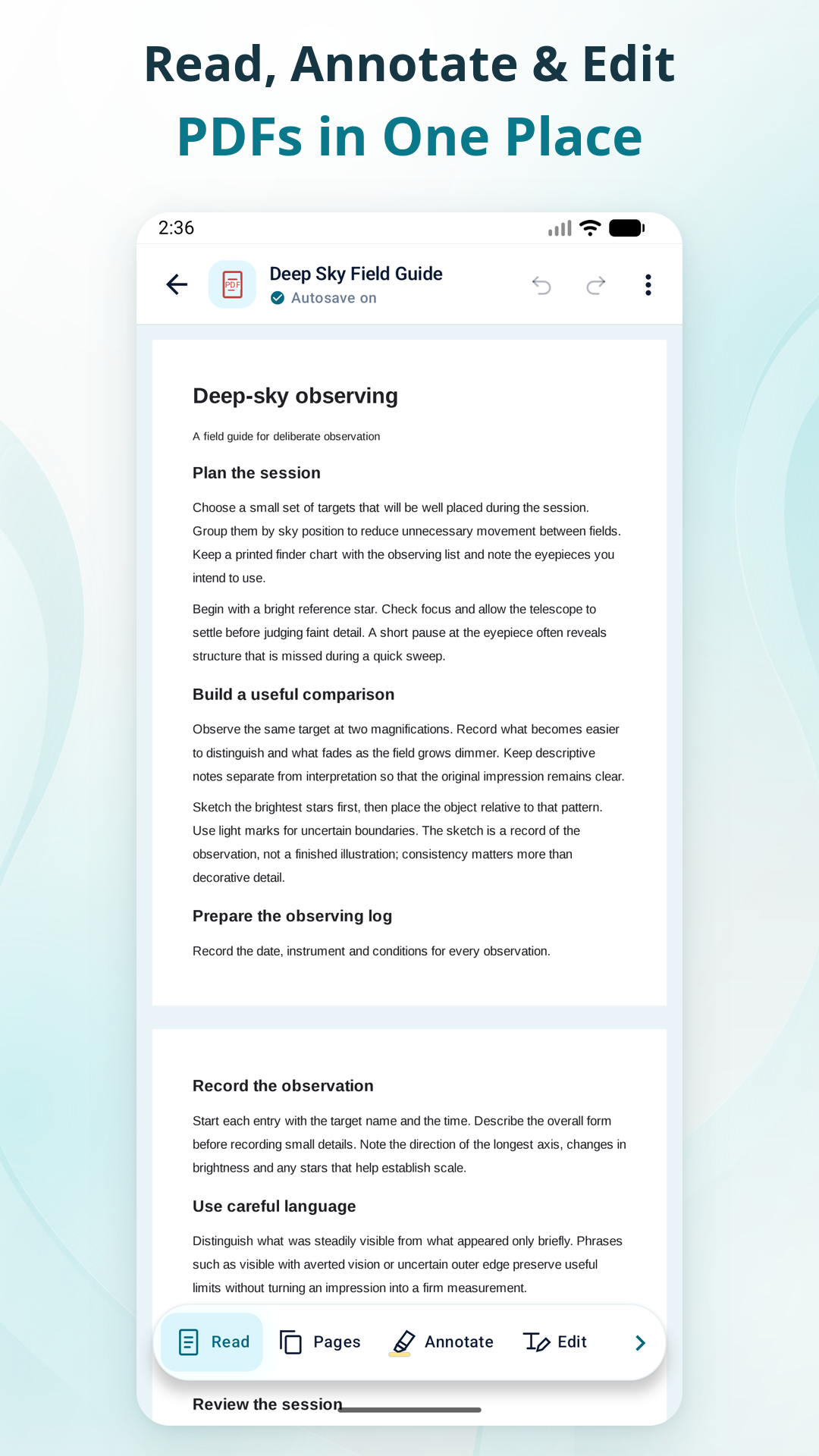
Open a PDF to read or annotate it. When there’s more to do, the toolkit is one tab away, and the processing happens on your phone.
Combine several PDFs into one.
Break a file into the page ranges you choose.
Shrink the file size before you send it.
Save selected pages as their own PDF.
Reorder the pages you need.
Turn a PDF into an editable Flowtope document. How well it converts depends on the source; complex layouts may need tidying.
04 — On your device
Editing, Dynamic Flow, PDF processing and text recognition all run on the device. Your documents aren’t uploaded to us. There is no account to create and there are no ads.
05 — Screens
06 — Questions
Yes. Flowtope is free to download, and the editor is free to use, Dynamic Flow included. The PDF tools are unlocked with a single one-time purchase. There is no subscription.
Yes. Editing and the PDF tools run on your phone. A connection is only used for extras such as downloading additional fonts.
Flowtope saves projects in its own .flowdoc format and works with PDF and DOCX. Formatting can vary between formats, especially in complex documents.
No. Documents are processed and stored locally on your device. The privacy policy has the detail.
No. Install it and start writing.
Flowtope is available for Android phones through Google Play.
Free on Google Play. No account, no ads, and the editor works offline.
Questions? contact@techsotope.comMore from Techsotope